The short answer
Use AI for a task only when you know in advance how you will check the result, and checking it costs less than doing the task yourself. If you cannot quickly compare the output with a primary source, a test, a known standard, or a qualified person, you have not saved work. You have postponed it—often onto someone else.
Call this a checking budget: the amount of time and attention you are willing to spend validating an AI output before you send it, publish it, implement it, or rely on it.
This is not a case for avoiding AI. It can be genuinely useful for first drafts, reformatting, generating options, turning your own notes into a structure, drafting test cases, or surfacing questions worth asking. But fast production is not the same thing as finished work.
Why this matters now
Workplace tools are becoming more proactive. They do not only answer questions in a separate chat window; they search, summarize, suggest actions, and enter the ordinary flow of meetings and documents. A September update roundup from UC Today reported that a Teams and Copilot feature could search the web during a meeting without a separate request. That may be convenient. It also illustrates the change: material can now arrive before a person has decided what quality would look like.
NIST’s Generative AI Profile uses the term confabulation for erroneous or false material presented with confidence. It also identifies risks from over-reliance and automation bias: people trusting a system beyond what its output warrants. That does not mean every sentence deserves suspicion. It means polished language is not evidence that the underlying work has been done.
Microsoft Research points to another cost of apparent ease. Prompting, iterating, and evaluating outputs all require metacognitive work: setting a goal, monitoring a process, and judging whether a result is good enough. AI may reduce the effort of producing a paragraph, spreadsheet, or code snippet while adding effort in framing, review, and confidence calibration. When that work remains unnamed, it feels negligible—until it consumes an afternoon or lands with an editor, manager, client, or colleague.
A recent Cambridge Open Engage working paper calls this transfer of effort “AI debt”: a quickly produced, insufficiently checked artifact creates an obligation for someone to validate, correct, and contextualize it later. The paper has not been peer reviewed, so treat the phrase as a useful model rather than settled evidence. Still, it prompts an excellent practical question: if I made this in three minutes, who will spend twenty minutes establishing whether it is safe to use?
A current Reddit thread from a software practitioner asks whether reviewing AI-built features has become slower than building them. That is an anecdote, not a measure of what most workers experience. It is, however, a useful discovery signal: the bottleneck is increasingly not generation, but verification.
Replace “Do I trust it?” with “Can I check it?”
Do not sort tasks by which model is supposedly best, or by how impressive an answer sounds. Sort them by checkability.
Green-zone tasks: easy to verify
AI can often be a genuine time-saver here:
- turning your bullet points into a draft email;
- offering headline or outline options;
- formatting data you have already checked;
- building a rough project plan from your inputs;
- proposing test cases for code you can run;
- shortening a document while you keep the original beside it.
The check is concrete. You assess whether the email says what you mean. You compare numbers with your spreadsheet. You run the test. You match a claim against a document already open on your desk. Merely thinking “this sounds plausible” is not always verification. But for a reversible draft that has not left your control, it can be enough of a first filter.
Yellow-zone tasks: checkable, but only with a plan
This includes competitor research, source finding, policy explanations, early analysis, negotiation preparation, and recommendations for a client. AI may be a useful starting point, but it should not be the final authority.
Name the checking method before you prompt: “I will open every primary source,” “I will compare this with the contract and current policy,” “I will ask the domain owner,” or “I will reproduce the calculation independently.” If you cannot name a method, do not ask for a final answer. Ask instead for a map of uncertainty: assumptions, open questions, relevant documents, and possible failure points.
Red-zone tasks: the cost of error exceeds your ability to check
Do not delegate the final call to AI where professional accountability, sensitive information, legal precision, financial commitments, or consequences for another person are involved. Even an excellent model does not give you the ability to spot a mistake in a field you do not understand.
The OECD’s guidance for small and medium-sized businesses is unglamorous and useful: training and clear rules are needed to establish where generative AI is appropriate and where it is not. Its report discusses quality, privacy, copyright, and legal risks alongside potential benefits. Your personal version can be three plain lines: what you never enter into an AI tool; which outputs you never send without checking; and which decisions remain human decisions.
A checking budget changes the prompt itself
An ordinary prompt asks: “Research this market for me,” or “Write the finished proposal.” A prompt with a checking budget begins elsewhere:
- What exact result do I need? Not “everything about the topic,” but perhaps five competitors with official pricing pages.
- What is the source of truth? A company site, a contract, your dataset, an official document, or a reproducible test.
- How long am I willing to check it? For example, ten minutes.
- What happens if I exceed that limit? I narrow the task, return to a manual method, or postpone the decision.
This protects more than accuracy. It protects attention. An AI chat can become work with no natural endpoint: an answer creates a follow-up, the follow-up creates a new version, and the new version produces another doubt. A checking budget gives the task an edge.
The limit should not be arbitrary self-discipline. It should reflect the value and consequence of the output. Five minutes may be sensible for an email draft. For a briefing that will shape a team decision, five minutes is more likely a sign that AI should not be treated as the source of the answer.
A no-purchase experiment: one week, one check card
For seven workdays, choose one recurring task where you usually open AI: email drafting, short research, requirements writing, meeting preparation, or a small piece of code. Buy nothing. Install nothing.
Before each prompt, write these four lines in your existing notes app or on paper:
Task:
What AI will produce:
Source of truth for checking:
Checking budget: __ minutes
When you finish, add one mark:
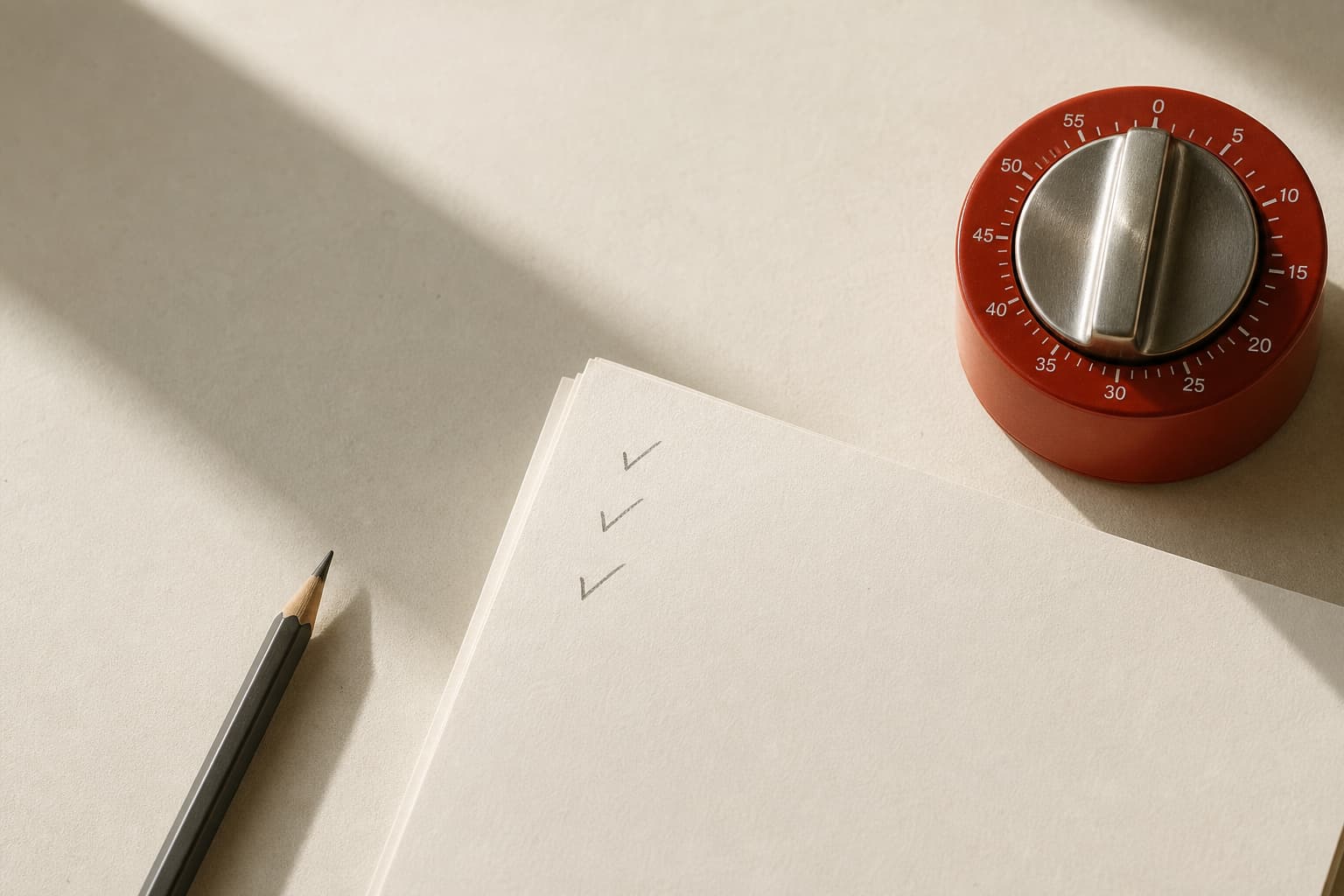
- ✓ — the check stayed within budget and you used the output;
- ~ — it helped you begin, but needed substantial revision;
- × — you could not check it, checking exceeded the budget, or manual work would have been faster.
At the end of the week, do not count prompts or grade yourself on “good” AI habits. Look for three things: which tasks produced quick, checkable intermediate work; which merely moved the effort into editing; and where you could not name a source of truth at all.
That last category is the most informative. It does not necessarily mean you are bad at prompting. It identifies the boundary where generation cannot substitute for understanding.
Human control is not a final approval button
Anthropic’s framework for trustworthy agents describes a central tension between system autonomy and human oversight. In everyday work, the translation is simple: oversight is not clicking “approve” at the end. It means deciding the goal, the limits, the evidence of correctness, and the stopping point before the system runs ahead.
So do not ask AI to decide what should happen. Ask it to work inside a clear frame: generate options, identify contradictions, reorganize known material, or list questions for an expert. The faster a tool can produce an artifact, the more important it becomes to decide what you can personally validate.
Minimalism here is not owning less AI. It is refusing to create more uncheckable material than you are prepared to carry. The best prompt is not the cleverest one. It is the one after which you can answer two questions clearly: How will I know this is fit to use, and how much time will I give that check?
Sources
- Microsoft Teams & Copilot: What's New in September 2026UC Today
- Artificial Intelligence Risk Management Framework: Generative Artificial Intelligence ProfileNational Institute of Standards and Technology
- Generative AI in Real-World WorkplacesMicrosoft Research
- Generative AI and the SME WorkforceOECD
- AI Debt: Verification Burdens, Rework Externalities, and the Hidden Costs of Asymmetric Generative-AI AdoptionCambridge Open Engage
- Our framework for developing safe and trustworthy agentsAnthropic
- Has checking AI-built features become slower than actually building them for anyone else?Reddit / r/developersIndia
Short answers
Do I need to check every tiny thing AI suggests?
No. The check should match the cost of an error and whether the output is reversible. You can simply edit a personal email draft. A factual external claim, calculation, client recommendation, or change to a live work system needs a preselected method of validation.
What if I cannot check an answer but it sounds convincing?
Do not use it as the basis for a decision. Ask AI to help locate primary sources, list questions, or draft material for an expert to review. Fluent wording is not proof.
Does a checking budget erase AI’s time advantage?
It removes a false advantage. If checking repeatedly costs more than manual work, the task is a poor fit for AI in its current form. Narrow the deliverable, use AI only for a draft, or keep the work human-led.