The short answer
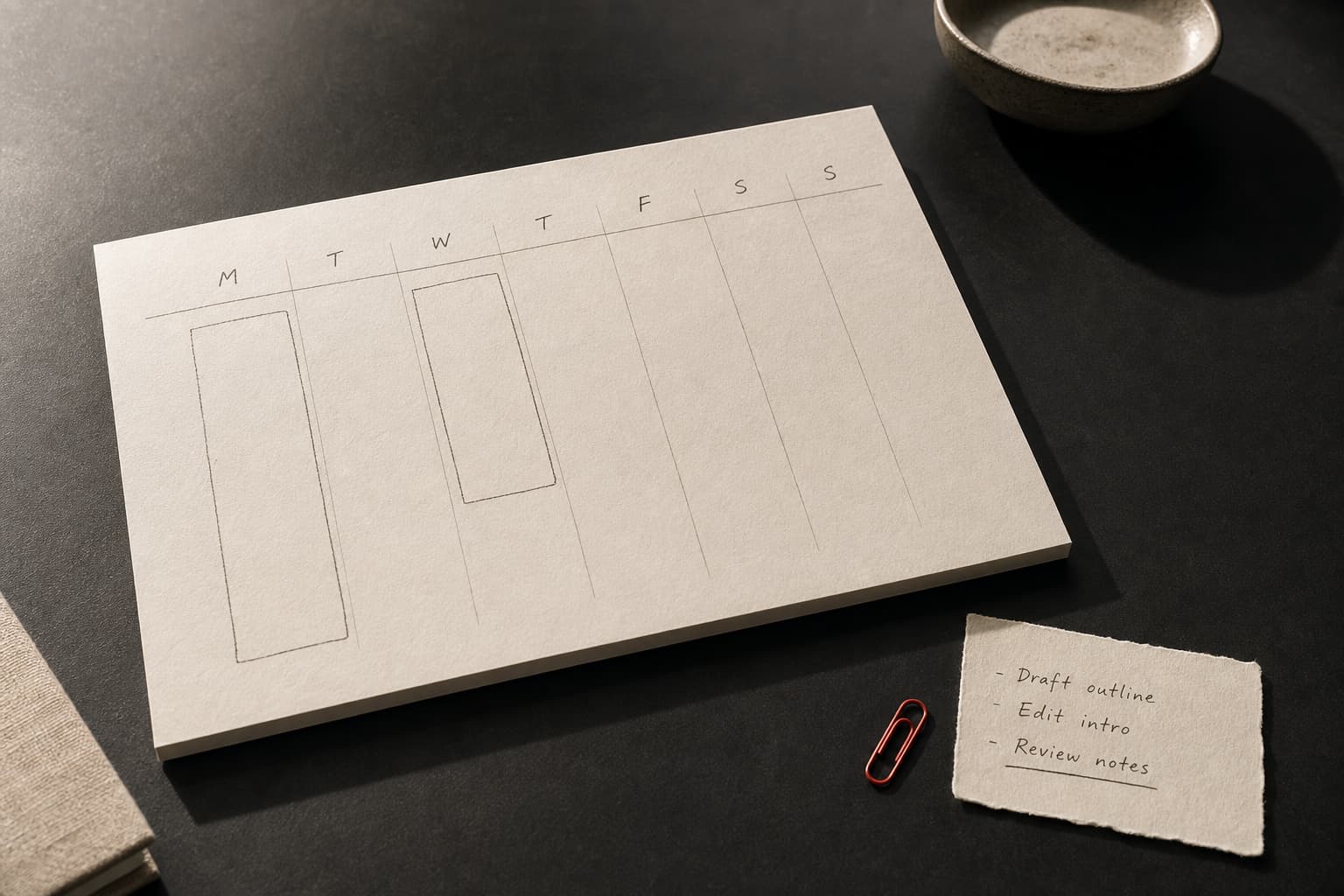
No: you do not need to turn every task into a calendar event. A more resilient system separates commitments from intentions. Put appointments, deadlines, travel, rest, and a small number of protected work containers on the calendar. Choose the precise task at the start of each container.
That is not a retreat from planning. It is planning that is specific enough to get work out of your head, without becoming so brittle that one unexpected message at 11:17 turns the day into calendar Tetris.
The distinction matters now because automated planners are increasingly built around a simple promise: enter tasks, durations, priorities, deadlines, and availability; the system will place the work and reshuffle it when the day changes. Recent Reddit discussions show both sides of that appeal. Some people want a simple way to create routines; others say auto-scheduled calendars feel as if they assume every day works the same way. Those threads are anecdotes, not a survey and not evidence that everyone has the same problem. They are useful discovery signals, though: people are not merely asking for more scheduling. Many are trying to reduce the maintenance cost of scheduling.
Why a completely filled calendar can create more work
A calendar has an important job: it makes time finite. A client call at 2 p.m., a train, a school pickup, a filing deadline, dinner with a friend—these are genuine commitments. They benefit from a clear start, end, and reminder.
“Clear the inbox,” “make progress on the research,” “draft the proposal,” and “compare insurance options” are different. Their scope may only become clear after ten minutes of contact with the work. A dependency may be unresolved. A legitimate urgent request may arrive. You may need to recover the thread of a project before you can make a useful choice.
When we pre-label this kind of work as an exact event—draft proposal, 10:30–11:15—the visual clarity can become false precision. The task looks like an appointment even when it is really a hope about a future version of you, working in conditions you cannot yet know.
An auto-scheduler makes that precision more visible. Its documentation describes a system that places tasks from duration, priority, deadline, availability, and changes in the surrounding calendar. That can be genuinely useful for repeatable work with known effort and a real due date: submitting weekly expenses, preparing for a scheduled meeting, or completing a routine report.
But an open 45-minute slot is not the same thing as 45 minutes in which a particular task can sensibly be done. Software can see the gap. It may not know that you are waiting on a decision, have just come out of a difficult conversation, have discovered bad source data, or first need twenty minutes to remember what the project is about.
Research on interruptions does not say that every change of plan is harmful. Its more modest finding is that resuming a suspended task takes time, and that longer or more demanding interruptions lead to longer resumption times. A systematic review of laboratory studies also found that interventions designed to reduce interruption costs could improve primary-task accuracy and reduce the delay before resumption. The practical implication is not to defend every minute like a fortress. It is to reduce needless occasions for reorienting yourself.
A task-packed calendar can add exactly that reorientation. You are not only switching work. You are deciding which of fifteen colored promises to move, how far to move it, whether that breaks tomorrow, and whether a reschedule means you have failed. Maintaining the plan begins to compete with doing the work.
A plan should close the loop, not lock you into it
There is an important caveat: vague unfinished work can keep tugging at attention. In a series of experiments, E. J. Masicampo and Roy Baumeister found that unfulfilled goals interfered with unrelated tasks; making a concrete plan for when and how to act reduced that interference. This does not prove that everyone needs time-blocking, nor does it promise calm. It does help explain why “I should get to that sometime” can feel mentally sticky.
The mistake is to conclude that every item needs a timestamp. The research supports an actionable and usable next step. It does not require you to forecast an entire day with dispatch-center precision.
A work container offers both benefits:
- It answers when and where: “Tuesday, 9:30–10:45, at my desk: quiet project work.”
- It leaves which exact task open until the moment of action: “At the start, I will choose one available next step from this project.”
That is not an empty meeting with yourself, and it is not permission to drift into email. The container has a purpose, a boundary, and a starting rule. It simply refuses to pretend that on Monday you can honestly know which of three research tasks will be the sensible one on Thursday afternoon.
Use a three-layer system
Try keeping your plan in three deliberately simple layers.
1. The commitment calendar
This is for things genuinely tied to time: meetings, appointments, travel, family agreements, deadlines with a stated hour, and perhaps a finish time for work if you want to protect it. Do not add every weekly wish just because the grid contains white space.
2. Work containers
Reserve one or two containers a day—especially if meetings already fragment the day. Name them by the mode of work, rather than by a project broken down to its final subtask:
- “90 minutes: drafting / thinking”;
- “45 minutes: admin and replies”;
- “60 minutes: Project A—next step”;
- “30 minutes: home logistics.”
Leave buffer, too. If every spare minute has been declared useful in advance, any normal deviation will look like failure. White space is not wasted productivity. It is where transitions, unexpected conversations, context recovery, and decisions can happen.
3. A short choice list
For each container, keep no more than three candidate next actions. Not “work on website,” but “list five interview questions,” “reconcile two invoices,” or “write a 150-word opening.” Choose one when the container starts.
If a task depends on someone else, do not promise yourself an hour of work on the blocked item. Write the action available now: send one request, verify a source, prepare the outline, or take the next independent piece.
The two-minute choice rule
A protected container can still become a handsome label for avoidance. Give it a tiny opening ritual:
- Open the list for that project—not a master list of 87 items.
- Ask: “What would move this forward now without waiting for someone else?”
- Write one task on a small card or at the top of your note.
- Remove the other options from view until the container ends.
If ten minutes reveal that the chosen step was wrong, you have not broken the plan. You have learned something. Note the obstacle, pick the next available step, and continue. Flexibility does not mean doing whatever appears. It means revising a decision in response to facts rather than defending yesterday’s guess.
A five-workday, no-purchase experiment
Next week, do not switch apps or buy a planner. Run a containers-not-promises experiment for five workdays.
On Sunday evening, or at the start of the first day:
- pause automatic calendar placement for personal tasks, if you use it;
- leave only real commitments on the calendar;
- add one 60–90 minute container for priority work and one 30–45 minute container for administration each workday; leave at least one unscheduled gap between them;
- create a three-item next-action list for each container on paper or in an ordinary note.
Each evening, record just four things: how many containers you started, how many times you changed the plan, how many tasks you moved without a considered reason, and how many minutes you spent replanning. This is not a score for your character. It is information about the design of the week.
After five days, do not ask, “Was I more productive?” Ask: Was the calendar more truthful? Was it easier to begin meaningful work? Were there fewer pointless reschedules? Was there room for what genuinely arose? If not, adjust the length of containers, the number of candidate actions, or the amount of buffer. Do not automatically solve a planning-design problem by acquiring another tool.
Where AI can still help
AI can be valuable at the edges of planning. It can turn a long obligation list into a draft of next actions, flag calendar conflicts, surface approaching deadlines, or help you estimate whether a week is plainly overfull. But keep three decisions with the person whose life it is: what matters, how much usable energy is actually available, and which promise cannot be broken.
A calendar is not a report card on your worth, and it is not a machine for filling blank squares. Its more humane job is to reveal constraints and protect room for deliberate choice. If it shows a few honest commitments, a couple of real work containers, and some air between them, it is doing enough.
Sources
- Consider It Done! Plan Making Can Eliminate the Cognitive Effects of Unfulfilled GoalsJournal of Personality and Social Psychology / Wake Forest University
- The effect of interruption duration and demand on resuming suspended goalsPubMed
- Effects of interventions to reduce the negative consequences of interruptions on task performance: A systematic review, meta-analysis, and narrative synthesis of laboratory studiesPubMed
- Auto-scheduling How-to GuideMotion Help Center
- Time blocking in TodoistTodoist Help Center
- Does anyone else feel like every AI calendar doesnt actually how you workReddit r/productivity
- Routine planning appReddit r/ProductivityApps
Short answers
Does this mean time-blocking does not work?
No. It can work very well for tasks with a known scope and deadline. The point is not to extend that precision to every kind of work, or make the whole day a chain of fragile promises.
What if I have many hard deadlines?
Calendar the genuine deadlines and commitments first, then reserve work containers for the steps that lead to them. When time is scarce, reduce commitments honestly instead of hiding overload in a denser-looking calendar.
Can I still use an auto-scheduler?
Yes—for recurring work, reminders, and spotting conflicts, for example. A useful boundary is to let the tool suggest options and reveal constraints while you retain responsibility for priorities and workload.