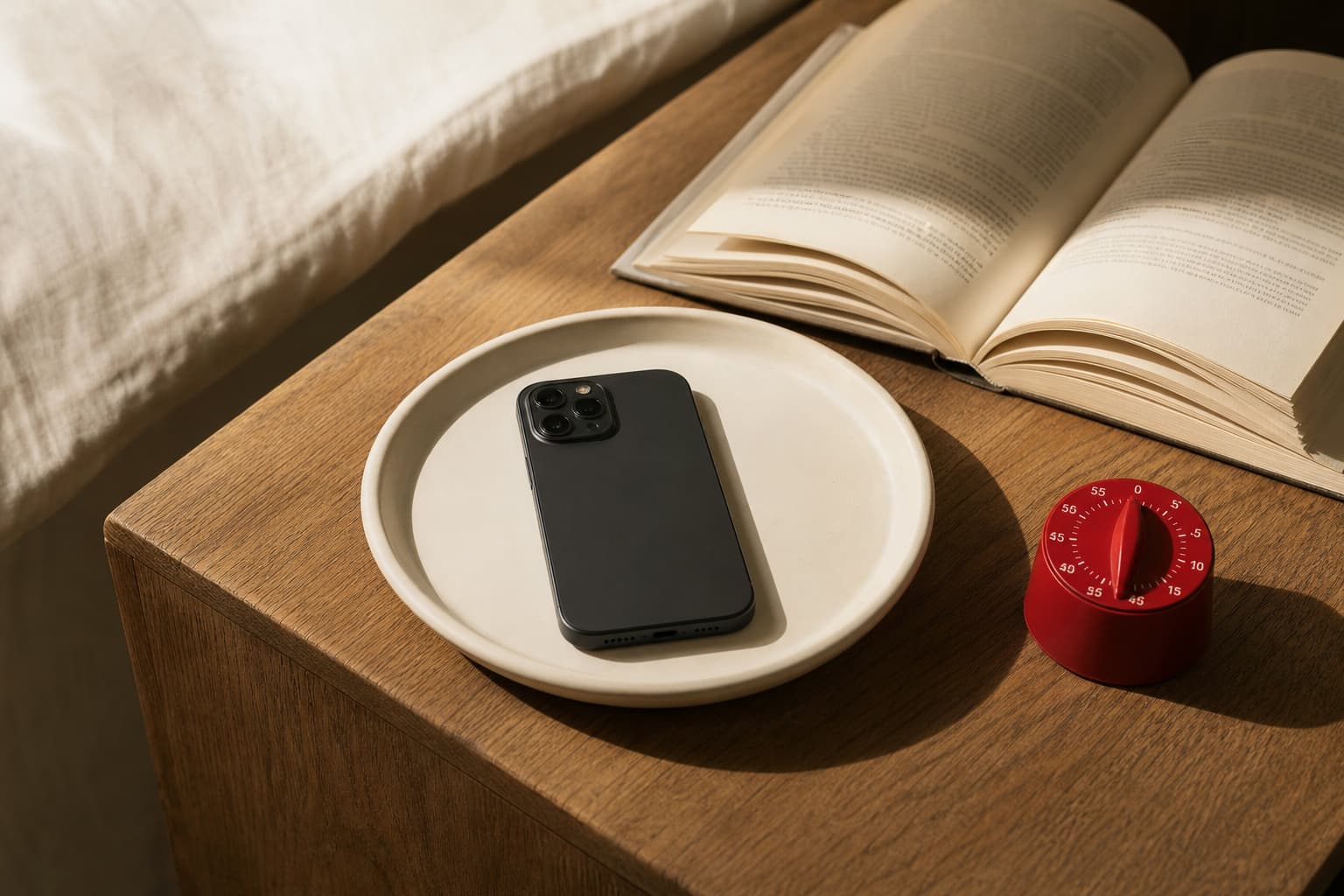
The short answer
If your phone keeps pulling you out of your day, do not begin with a target for less screen time. Begin with a more useful question: which events have earned the right to interrupt me right now?
Turning every notification off can sound like the clean, minimalist answer. It also fails for plenty of people. A message from a partner, a login code, a bank transaction, a boarding reminder, and a rescheduled appointment are not the same kind of event. When all of them arrive in one stream, we tend to choose between two bad options: respond to everything, or worry about missing something important and turn the whole stream back on.
A more durable approach is to sort alerts into three levels: now, next check-in, and never as a push. This is not a war on phones, and it is not a promise of perfect focus. It is a way to put a clear rule back in place: urgency should be determined by you, not by an app’s desire to be opened.
Why minutes are not the whole story
Screen time answers a legitimate but incomplete question: how long was the device active? It tells us very little about how that time was distributed. Two calm hours spent reading, navigating, or having a long call are not equivalent to two-minute detours repeated throughout a working day.
A 2026 study tested cognitive control while participants received social-media-style notifications. Processing slowed briefly after an alert. The size of the disruption was also associated with notification volume and habitual phone-interaction frequency, rather than total device time alone. This was a controlled study, not a verdict on every phone owner. It does not show that every ping ruins hours of work. But it offers a useful design clue: for attention, the rhythm of intrusion matters alongside duration. (sciencedirect.com)
An earlier randomized field experiment reached a related, more nuanced conclusion. People whose notifications arrived in three predictable batches per day reported lower stress and greater attentiveness than the control group. Hourly batching was little different from usual delivery, while receiving no notifications at all came with more anxiety and fear of missing out. Three batches are not a universal prescription. The modest takeaway is that selection and predictability may work better than an endless stream—or a blanket ban. (sciencedirect.com)
The phone platforms are quietly moving in this direction, too. Android’s Notification cooldown reduces sound, vibration, and on-screen interruption when many alerts arrive close together, while retaining the notifications themselves; calls, alarms, priority conversations, and emergency alerts are exceptions. (support.google.com) On iPhone, Scheduled Summary can deliver notifications from selected apps at chosen times, while Focus can filter people and apps. (support.apple.com) None of these features should be accepted as an automatic solution. They are simply useful controls for a policy you set yourself.
Replace one switch with three levels
Do not make a list of favorite apps. Make a list of event types. The same app can generate a genuinely important alert and five attempts to win back your attention.
1. Now: a delay would change the outcome
This tier may include:
- a repeat call from a close contact, or calls from a small defined group;
- messages from people with whom you have an actual agreement about family or work urgency;
- alarms, timers, travel updates, and calendar events where you really need to leave or join on time;
- account-security warnings and confirmations of financial transactions.
The test is not “Would I like to know?” It is: If I see this two hours later, will I have to repair a consequence rather than merely catch up?
Keep this tier small. If it includes every work chat, headline, sale, reaction, streak, and task prompt, it is not an emergency channel. It is the old firehose with a reassuring label.
2. Next check-in: useful, but not in the middle of something
This is where most email, routine work channels, group chats, delivery updates, software notices, news, and non-time-specific reminders belong. You are not rejecting the information. You are giving it a place.
Choose two or three moments when incoming material is genuinely welcome: perhaps once after starting your day, once after lunch, and once before you finish work. On iPhone, Scheduled Summary can help for eligible apps. On Android, Modes and Do Not Disturb can allow selected people and apps during designated periods. Google’s guidance notes that these modes can separately control people, apps, alarms, reminders, and repeat callers. (support.google.com)
There is an important work caveat. Do not silently impose a response rhythm on colleagues if your job requires timely replies. Name the route for actual urgency: a call, a specific mention, an on-call number, or an agreed messaging channel. A boundary works better when other people know how to bypass it for a real exception.
3. Never as a push: information without interruption rights
A sale, recommended video, social reaction, “you have not opened us lately” prompt, sports tease, or another feed digest may be interesting. Interesting is not urgent.
For this category, choose one of three options: turn it off entirely, keep it inside the app only, or replace the push alert with intentional delivery such as a weekly email or a planned reading session. News deserves its own rule. The Reuters Institute has described increasingly intense competition for lock-screen attention among news, social platforms, calendars, games, and entertainment, alongside a sense of overload for some users. (reutersinstitute.politics.ox.ac.uk) You do not have to abandon news. You might retain one trusted breaking-news source, or decide that one deliberate daily briefing is enough.
A seven-day, no-purchase experiment
Do not redesign your life because of one irritating morning. Run a short experiment instead.
Day 0: take 15 minutes. Open notification history or your phone’s activity record, if available. Do not hunt for a perfect number. List the apps and alert types you remember from the previous day. Mark each one N for now, C for check-in, or P for never as a push.
For the next seven days:
- Keep only events with a clear consequence of delay in the Now tier.
- Give Check-in alerts two scheduled review times, or use a summary or focus mode to support those windows.
- For Never-as-a-push alerts, disable banners, sound, vibration, and badges if unread counts are what draw you back in. Do not delete the apps. The point is to test the environment, not perform willpower.
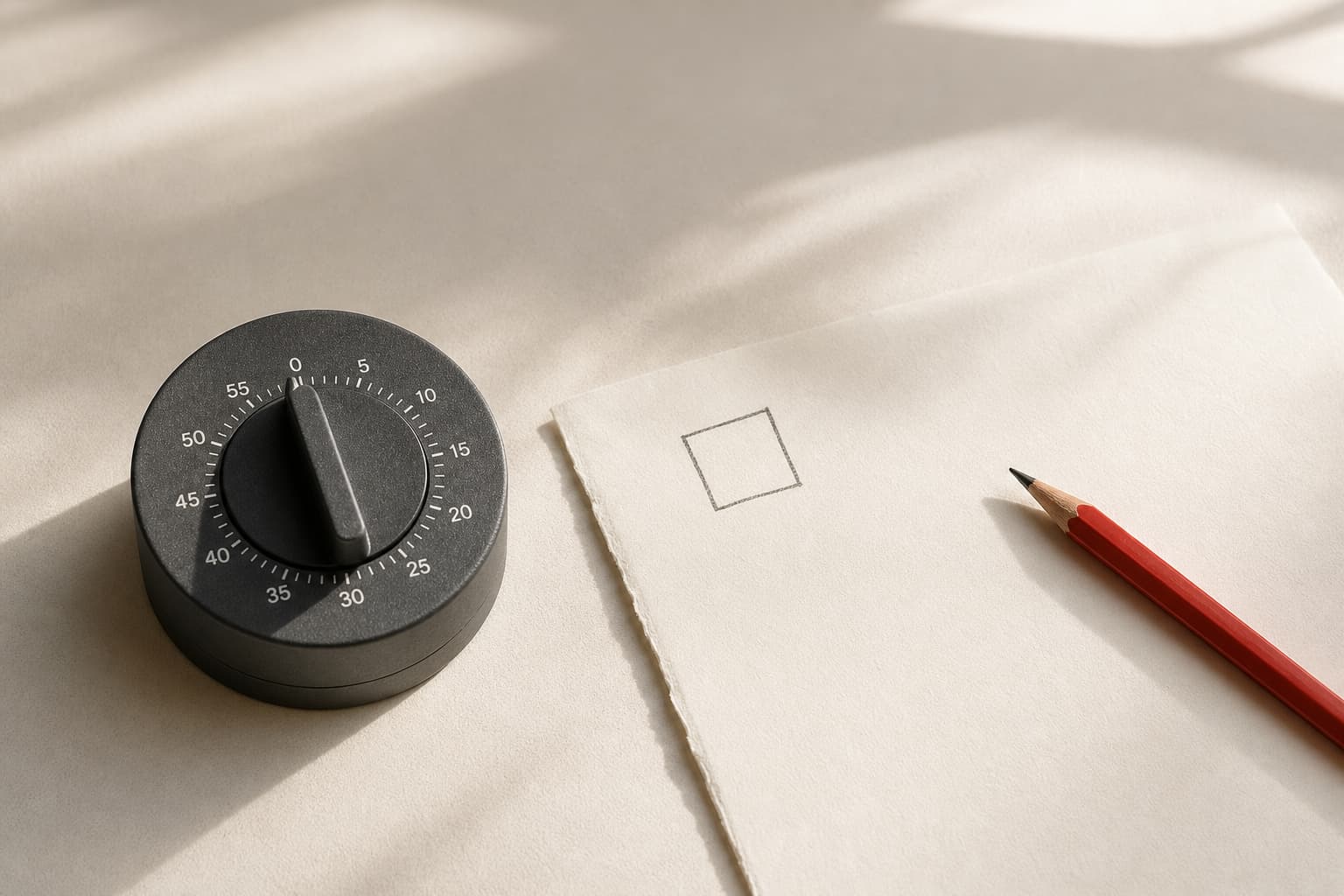
- Put a paper card on your desk with two lines: “What interrupted me?” and “Was it N, C, or P?” Make one small mark after each unsolicited interruption.
- At the end of the day, answer three questions: What did I genuinely miss? What turned out to be false urgency? When did I reach for my phone without an alert at all?
On day seven, do not judge the system by a passing mood. Compare the marks. Did uninterrupted stretches become easier to find? Did one missed alert have a meaningful cost? Did your check-in windows balloon into forty-minute feeds? If a critical thing was missed, do not throw out the whole experiment. Move that particular event type up a tier. If an app only sent reasons to return, stop renegotiating with it every week and leave it in the quiet tier.
What current discussion can—and cannot—tell us
In a recent Reddit thread about the noise created by productivity apps, commenters described feeling surrounded by reminders, dashboards, and alerts; one preferred plain phone reminders to a larger stack of tools. (reddit.com) Elsewhere, people describe scheduled inbox checks and turning off badges. Those posts are not representative research, and they cannot establish that a tactic works for everyone. They are, however, useful discovery signals for a practical tension: most people do not need heroic disconnection. They need to remain reachable without being permanently available for reaction.
That distinction matters. Minimalism here is not an empty home screen as a status symbol. It is an understandable agreement with your device: it may tell you about a fire; it may bring the mail at a chosen time; it may not declare every new activity a fire.
The point
Your phone does not have to be a siren or a locked box. Three urgency levels make the trade-off explicit: a very small number of events get immediate access to you; useful routine information gets a scheduled window; marketing and endlessly renewable prompts get quiet.
After one week, you will not have discovered the universally correct settings. You will have something better: evidence from your own days about which signals support your life and which ones merely divide it into reactions.
Sources
- Attention hijacked: How social media notifications disrupt cognitive processingComputers in Human Behavior / ScienceDirect
- Batching smartphone notifications can improve well-beingComputers in Human Behavior / ScienceDirect
- Control notifications on AndroidGoogle Android Help
- Limit interruptions with Modes & Do Not Disturb on AndroidGoogle Android Help
- Change notification settings on iPhoneApple Support
- Walking the notification tightrope: How to engage audiences while avoiding overloadReuters Institute for the Study of Journalism
- Are productivity apps adding too much noise?Reddit / r/Productivitycafe
Short answers
Do I need to disable every notification for this to work?
No. The point is to preserve a small, intentional channel for events where delay has a real consequence, while moving everything else to review windows or removing it from push delivery.
Which alerts usually belong in the immediate tier?
Often: calls and messages from a small group of people, alarms, genuinely time-sensitive calendar events, and account-security or financial-transaction alerts. The right list depends on your work and household responsibilities.
What if my job requires quick replies in chat?
Agree on a clear urgent route with your team: calls, mentions, an on-call channel, or another specific escalation method. You can then quiet the general flow without becoming unreachable for real exceptions.